Merge JPG files into one image
Add your JPG photos, pick side by side, stacked or a grid, and press Merge & download to get one image as JPG, PNG or PDF. It is free, needs no signup, and runs entirely in your browser, so your photos are never uploaded. You can merge up to 30 photos at once.
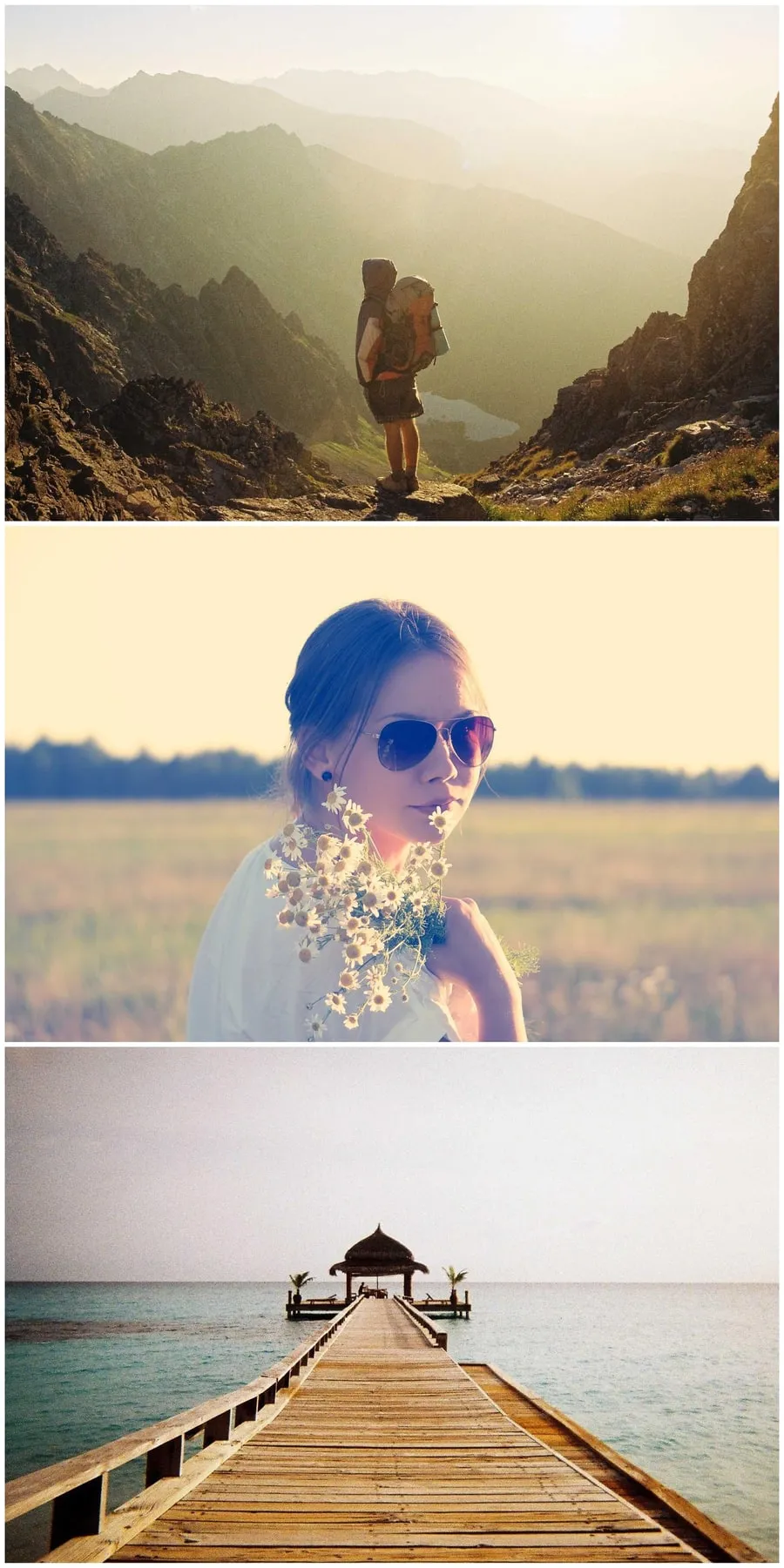
Example · sample photos, side by side4,040 × 1,087 px
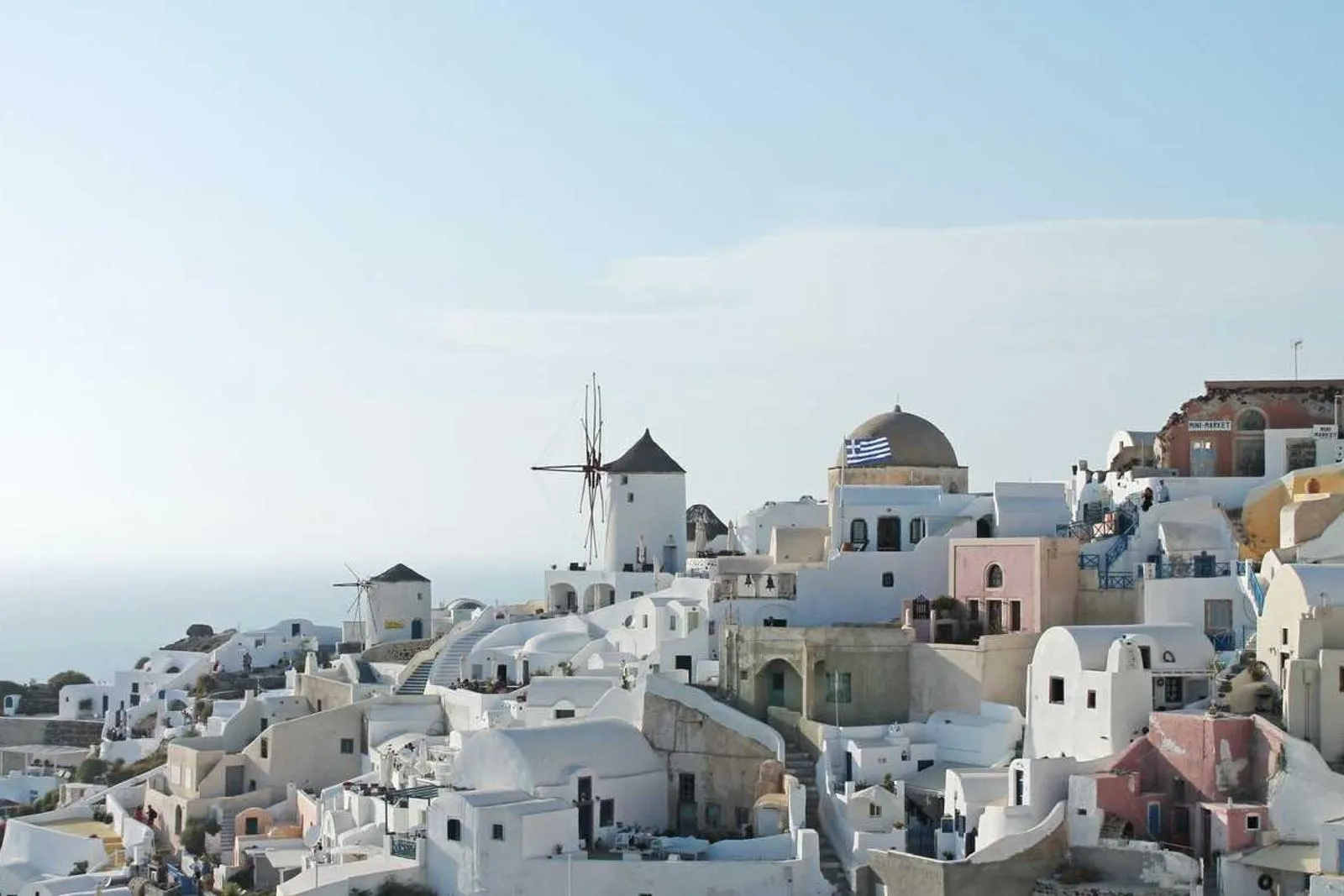
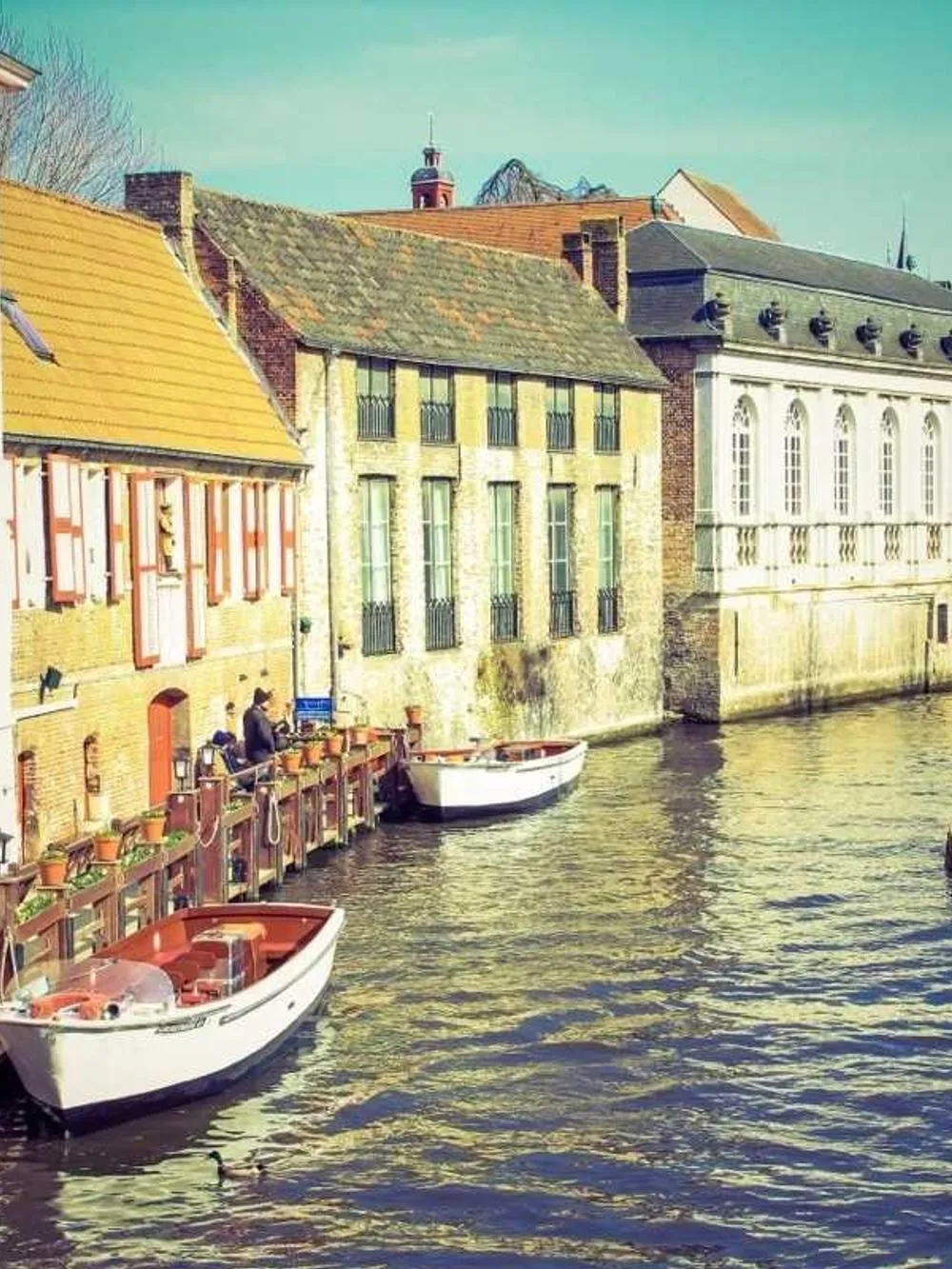
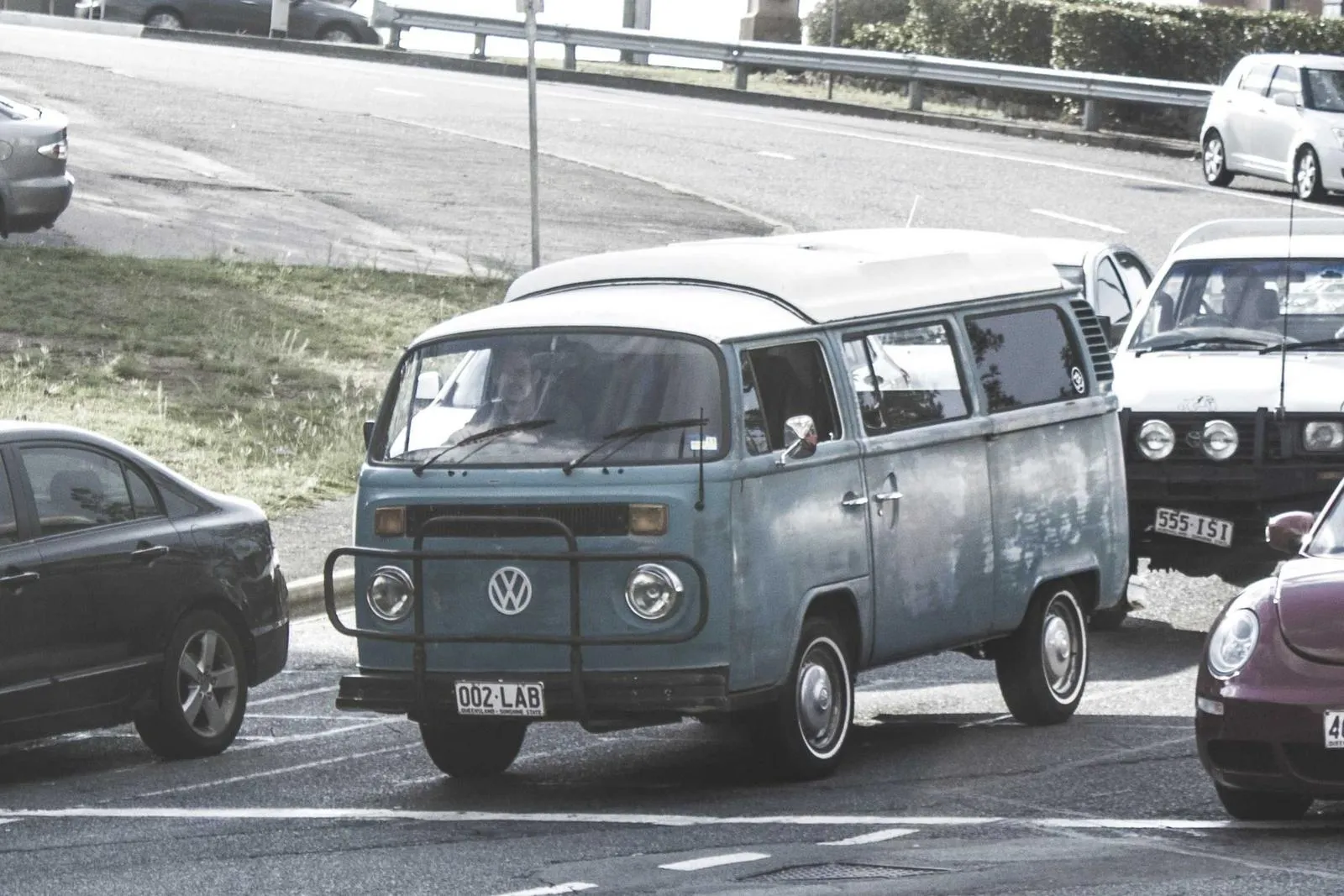


These are sample photos.Add yours, or drop them anywhere.
Layout
Save as
Gap and fill colour10 px · white
What does each layout look like?
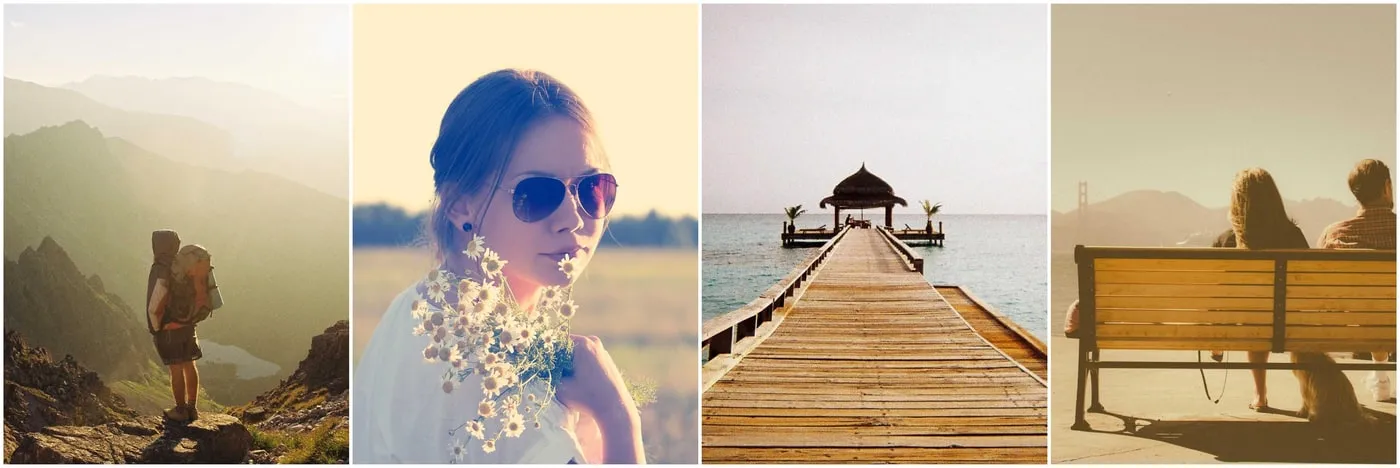
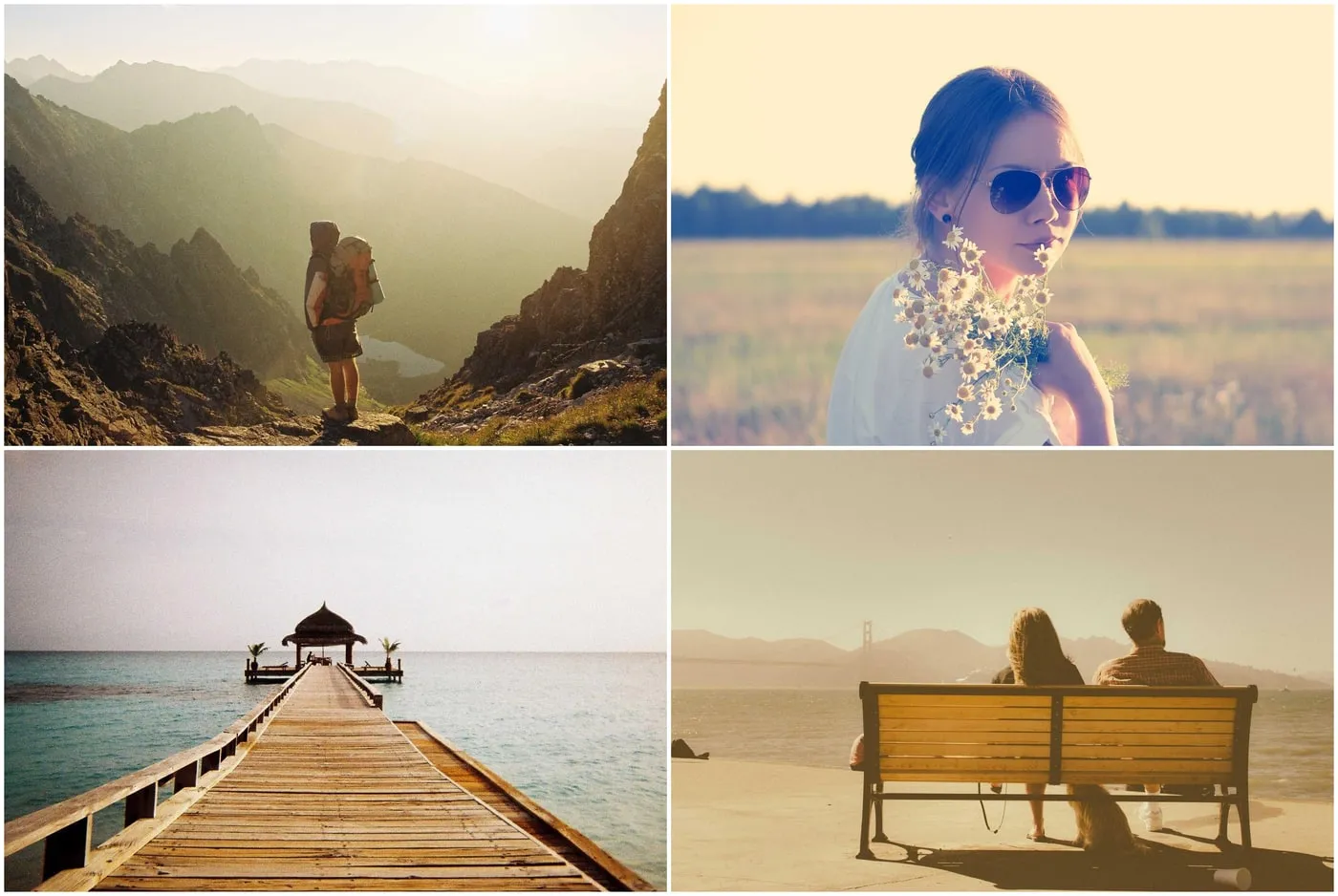
Four portrait photos and their landscape versions, with the default gap and fill. Side by side matches the shortest height, stacked the narrowest width, and grids crop to one cell.
Which format makes the smallest file?
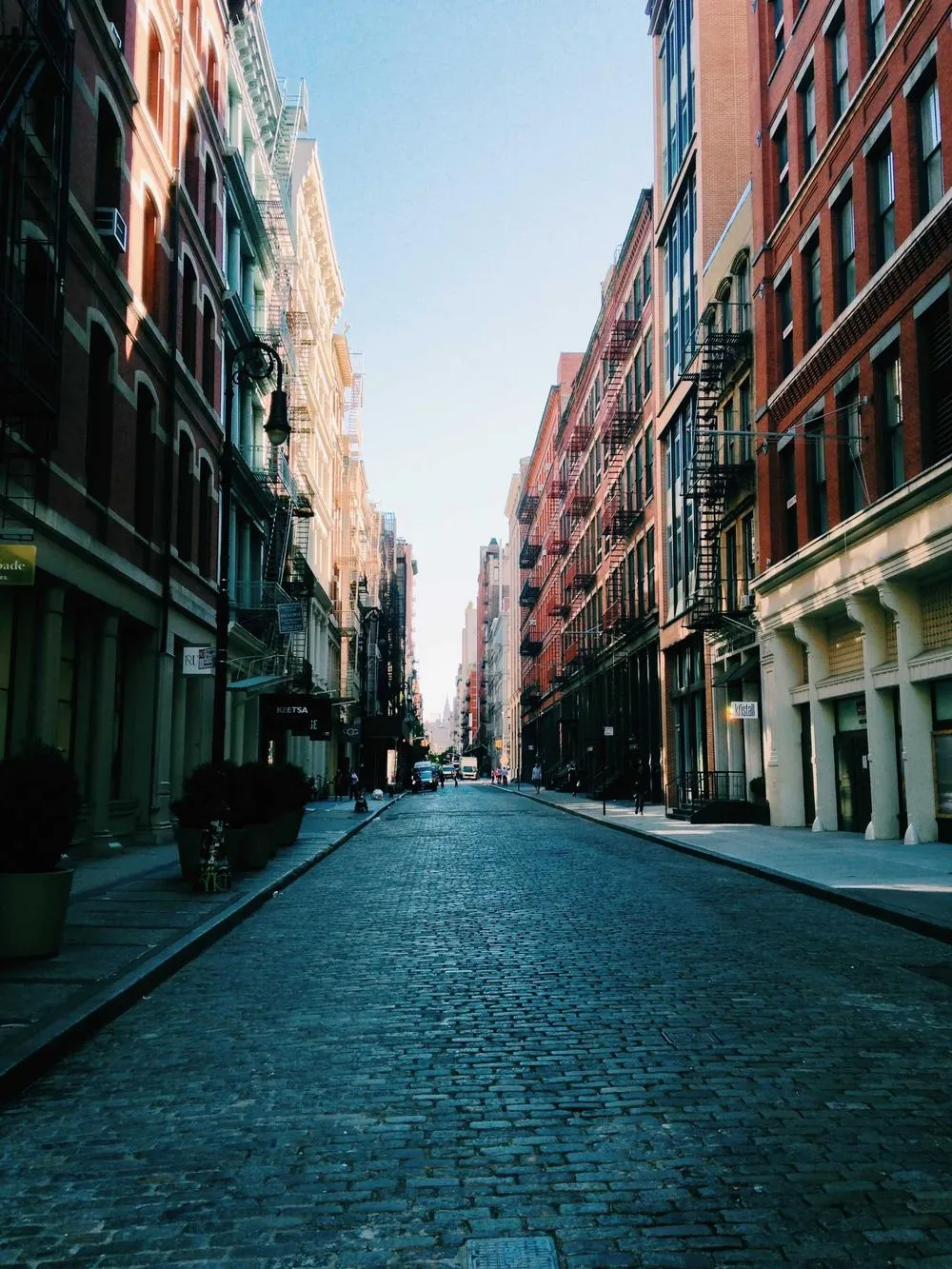
We merged the three sample photos above side by side and saved the same 4,040 × 1,087 px result in each format. Together the three photos weigh 561 KB.
| Save as | File size | Best for |
|---|---|---|
| JPG | 929 KB | Sharing, messages and most upload forms |
| 930 KB | Sending as a document. One page with the same JPG inside | |
| PNG | 5.8 MB | Screenshots, text, or an image you will edit again |
Expect the merged JPG to be bigger than your photos added together. In our four test merges, saved at 92% quality, it came out 1.7 to 2.1 times their size.
PNG keeps every pixel exactly, but for photos it came out more than 6 times the size of the JPG. Pick it only when you need that.
What should you know before you merge?
Will my photos lose quality?
Only as much as one JPG save at 92% quality. Save as PNG to skip the JPG step.
No photo is ever enlarged: side by side scales larger photos down to the shortest height, and stacked to the narrowest width.
Are my photos uploaded anywhere?
No. Your browser does the merge on your device, and the photos are never sent to a server.
They stay in this tab until you close or reload it. The page only remembers your layout, gap, fill and format.
How do I put the photos in a different order?
Click or tap a thumbnail under the preview, then press Move earlier or Move later.
On a computer you can also drag a thumbnail, or select it and use the arrow keys. The number on each thumbnail is its place.
Does it work on a phone?
Yes, the page is laid out for phone screens.
The layout and format buttons sit under the preview, and Merge & download stays at the bottom of the screen. Choose JPG files opens your phone's file picker.
How many photos can I merge at once?
Up to 30 photos, each up to 25 MB. The result is kept within 16,384 px on its longest side and about 16.8 million pixels in total.
A bigger merge is scaled down to fit, and the tool tells you the final size.
What is the difference between JPG and JPEG?
There is none. They are two spellings of the same format, because early versions of Windows allowed only three letters in a file extension.
The tool opens both and names its result .jpg.
What else can you merge here?
 Merge JPG to PDFA page per photo
 Combine two photosSide by side or stacked
 Merge PNG filesKeeps transparency
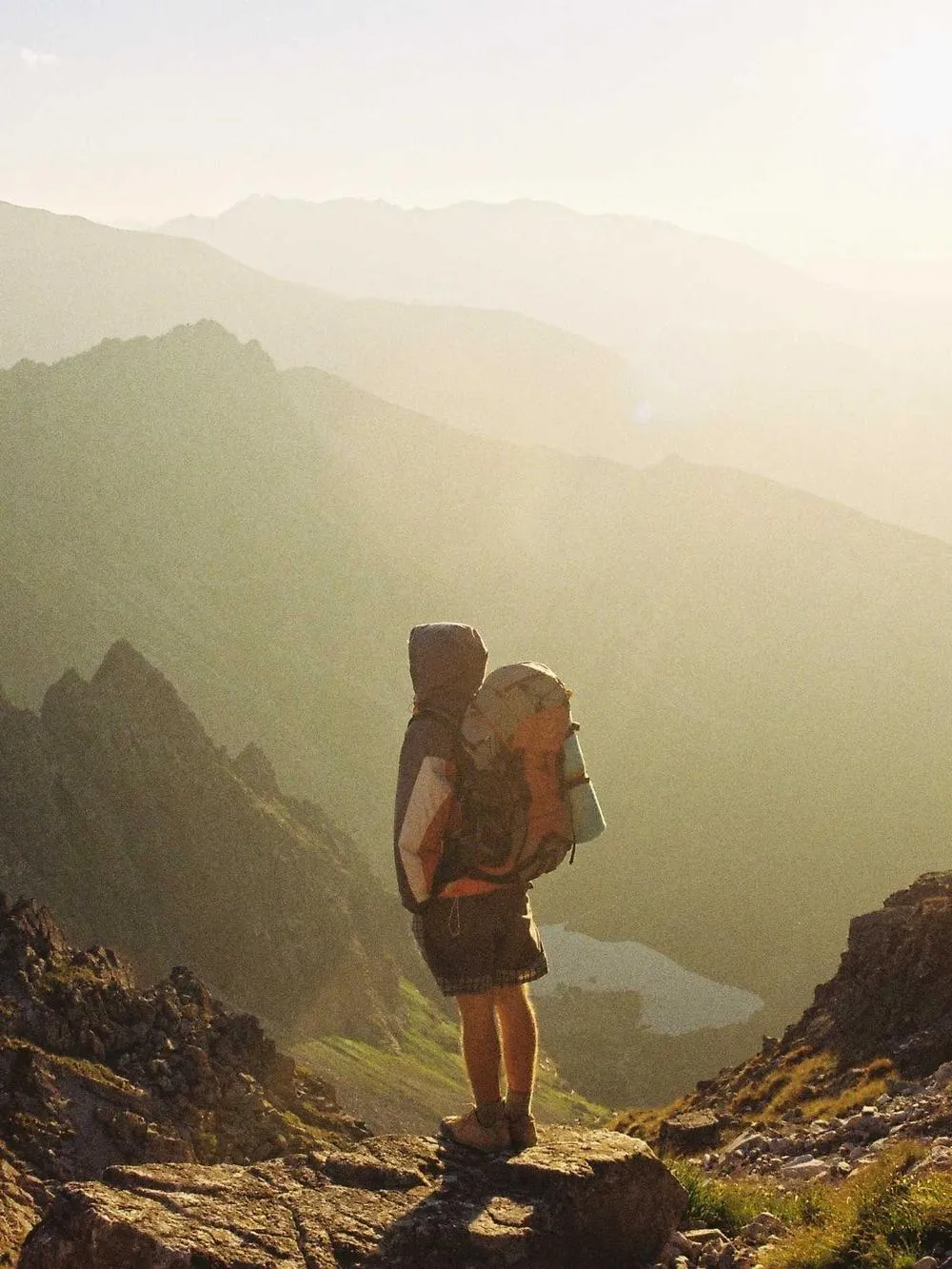
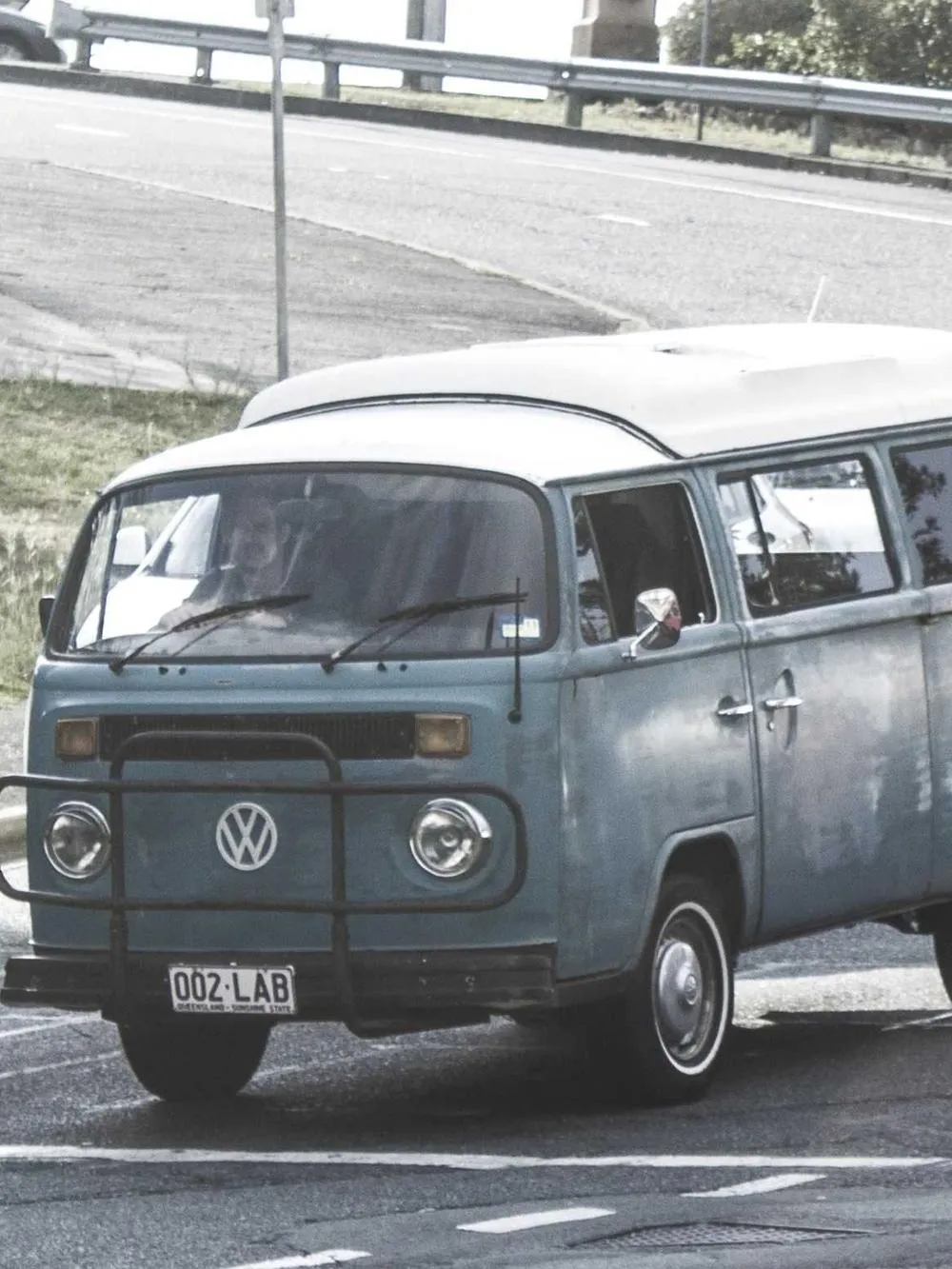
 Photo grid2, 3 or 4 columns
Last updated . Every size on this page was measured with this tool on that day.